What's Inside Pitch Side
Everything here maps to a working area of the app — for the whole team, not just the coach. Training, tactics, and match days for coaches; availability, lifts, payments, and development journeys for parents and players; messages, sharing, and season planning for everyone.
Squad, Roles, and Player Records
Add players with positions, squad numbers, contact details, parent info, medical notes, photo consent, and injury history. Six roles — coach, manager, club, parent, player, and guest — each get a view focused on what they need, enforced all the way down to the database.
A Real Home for Parents and Players
Parents aren't an afterthought: they confirm availability for sessions and matches, coordinate lifts with the carpool board, see payment requests and what's owed, message the team, and follow their child's development journey — milestones, assessments, and coach notes included. Players get their own age-appropriate view of the same journey.
Training Sessions With Attendance and Exports
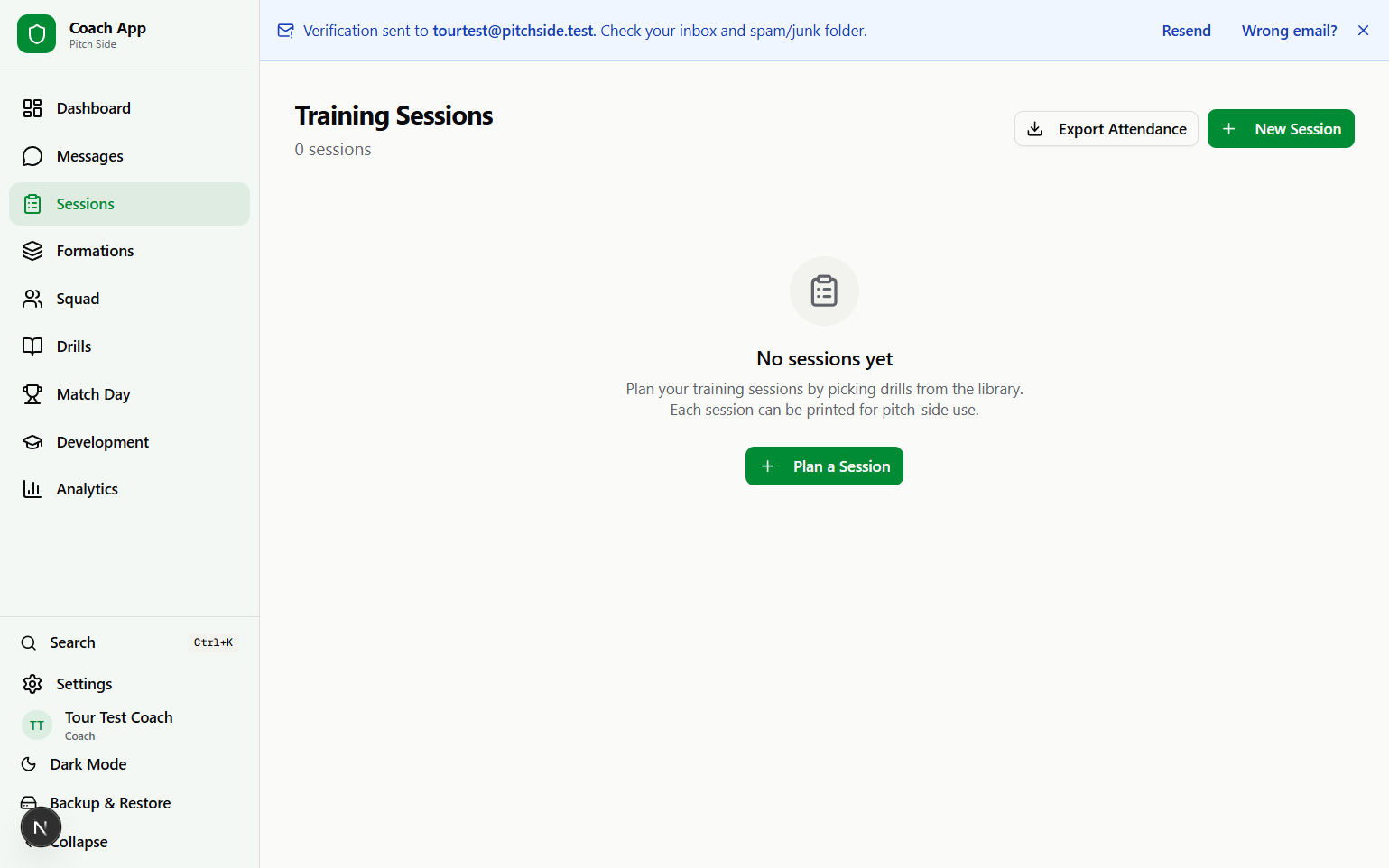
Build sessions with ordered drill blocks, timings, theme, location, equipment, and attendance. Switch between list and calendar views, check player availability, export to iCal or CSV, generate a PDF session plan, and print a pitch-side copy.
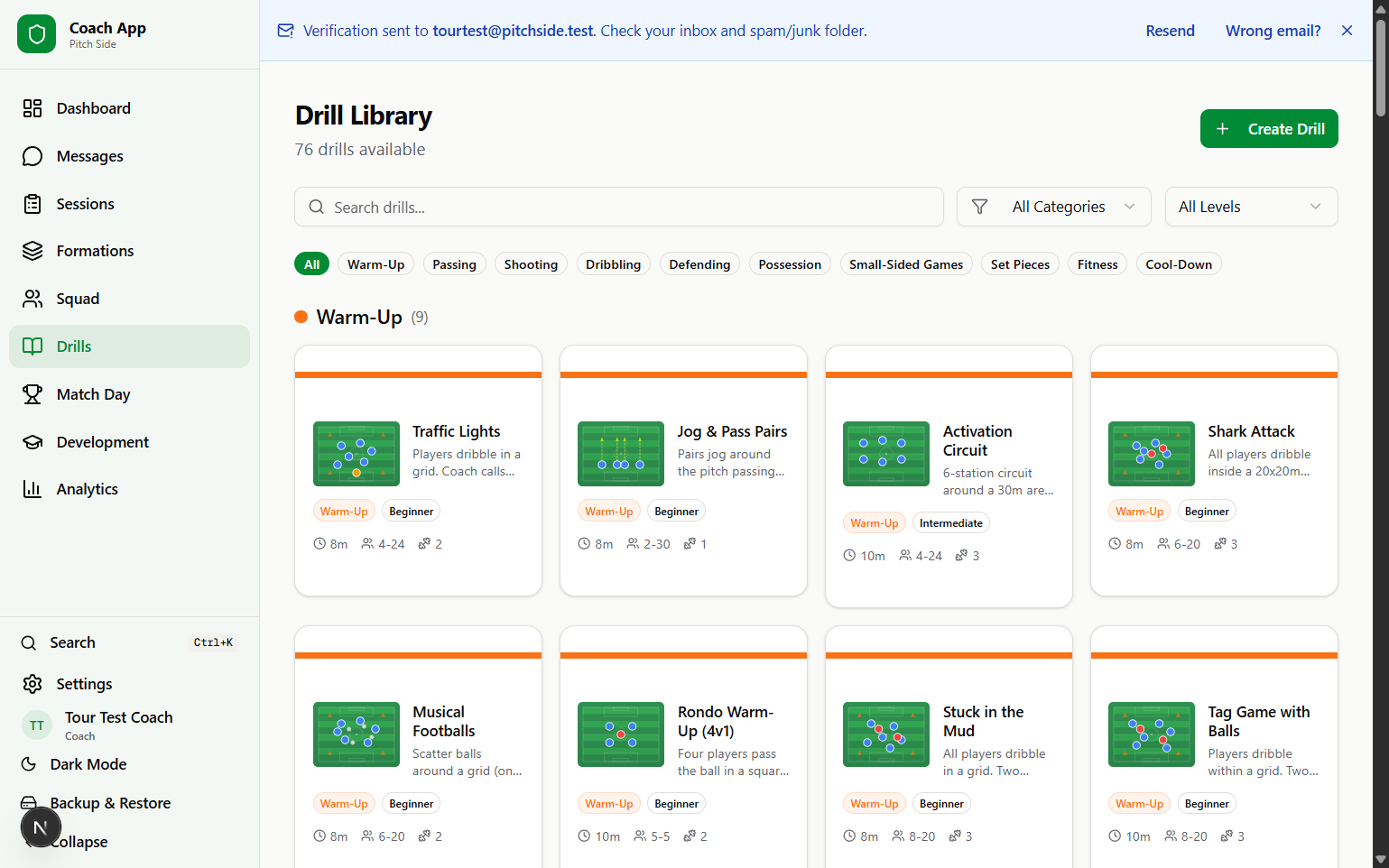
134 Drills With Animated Diagrams
Browse 134 seeded drills across passing, shooting, dribbling, defending, possession, small-sided games, warm-ups, cool-downs, fitness, goalkeeping, and set pieces. Every drill explains what it develops and why it matters in a real game, with coaching points, equipment, variations, difficulty and age guidance, heading-safety notes where relevant, and animated step-by-step diagrams. Teams can also save custom drills.
Formations From 4v4 to 11v11
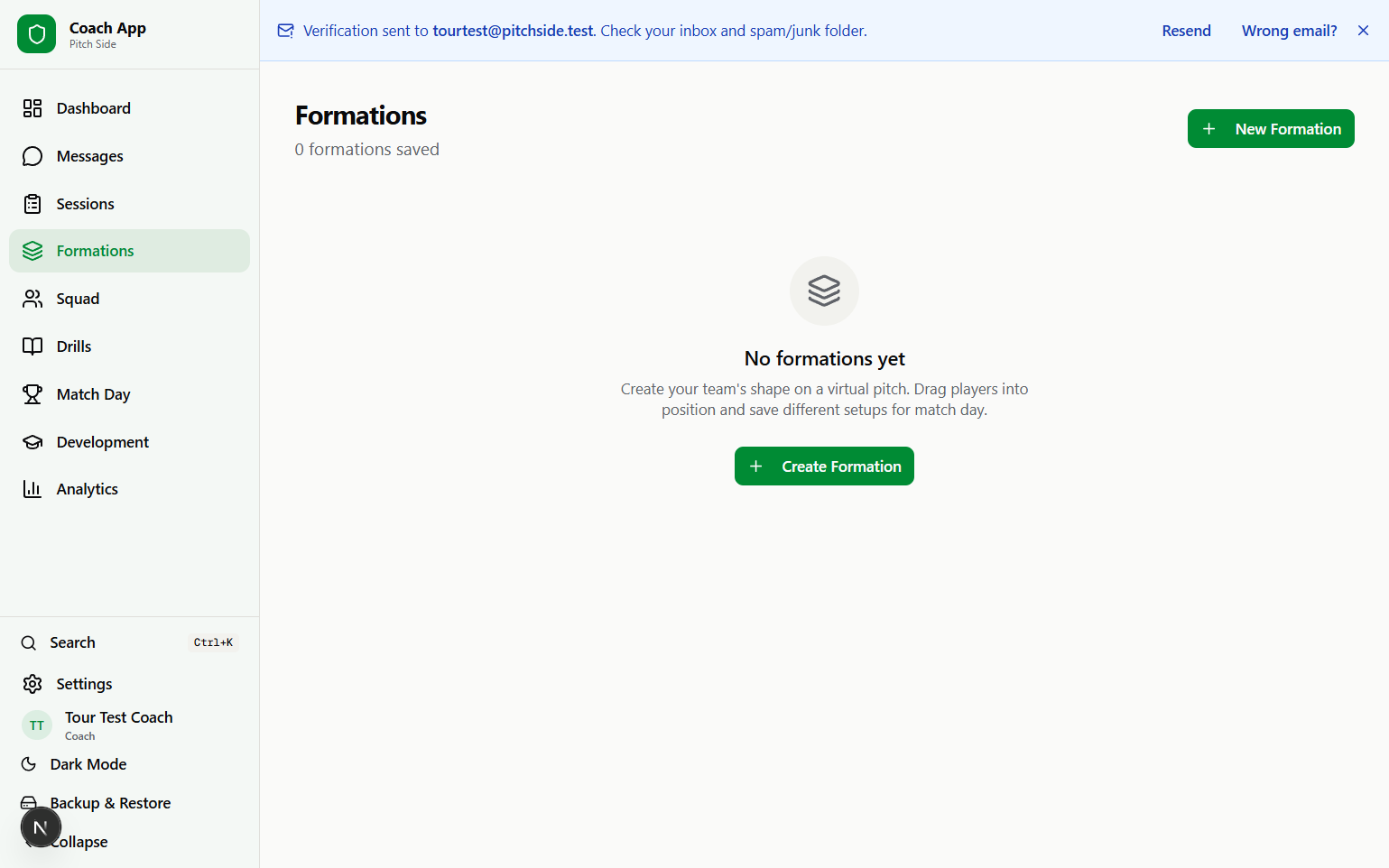
Use the visual pitch editor to place players, assign squad members, and save formation layouts for 4v4, 5v5, 7v7, 9v9, and 11v11. FAI age-group guidance helps coaches pick the right format, and formation cards include pitch thumbnails and assignment counts.
Match Day Planning and Results
Create match plans with opponent, venue, kick-off, formation, starters, substitutes, notes, availability, and carpool coordination. After the game, record the score, result, player of the match, and keep a running season record with recent form.
Analytics for Coaching Decisions
Simple charts show attendance patterns, drill usage, session trends, match outcomes, playing time, and development progress. The goal is practical reflection: what have we trained, who is attending, and where should the next block of work go?
90 Development Paths
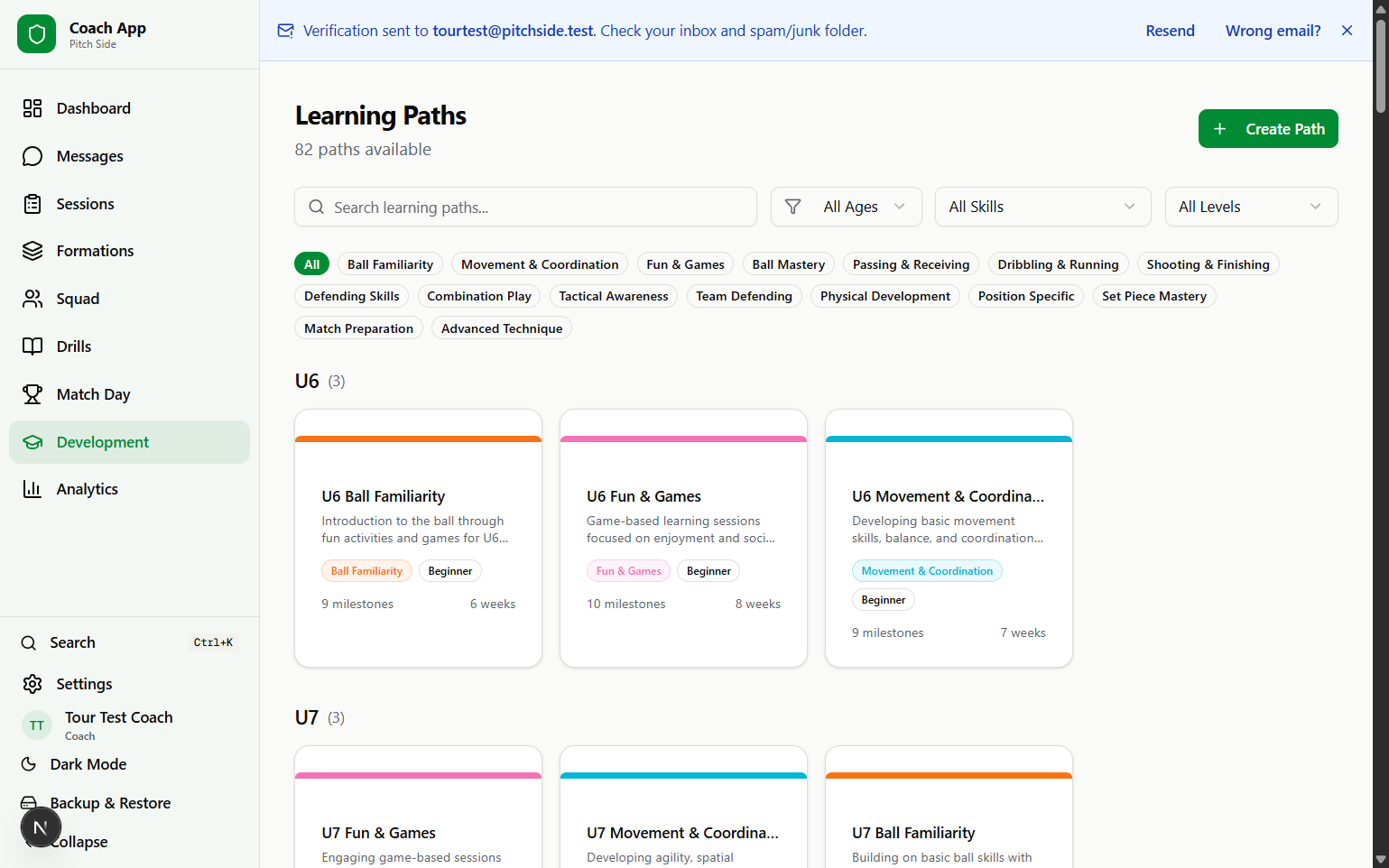
Use 90 seeded learning paths covering age groups from foundation stages through senior development. Paths include skill phases, milestones, linked drills and plays, player notes, radar-style assessments, and parent/player-friendly progress views.
Team Communication
Keep team communication inside the app with channels, direct messages, group DMs, announcements, reactions, polls, events, voice notes, file sharing, and message settings. Parents, players, coaches, and managers all see the conversations their role allows.
143 Tactical Play Presets
Draw up set pieces and tactical patterns on a virtual pitch showing both full teams. Place players and equipment, draw movement arrows, add coaching cues and freeze-frames, animate steps, or start from 143 presets for corners, free kicks, goal kicks, throw-ins, kick-outs, penalties, and open play — from U6 first habits to full 11v11 patterns.

Share and Print the Key Moments
Share a session plan with a public link anyone can open — no account needed — or export it as a PDF for the touchline. Animated plays come along as step-by-step key frames, so the movement and the coaching point survive on paper, not just on screen.
AI Session Assistant (Pro)
Describe the session you want — age group, focus, time available — and the assistant drafts a structured plan built only from your real drill library, ready to edit like any other session. It's part of the optional Pro add-on, which exists purely to cover the per-use AI costs; everything else in Pitch Side stays free.
Payment Request Tracking
Create requests for subs, kit, trips, or tournament fees and track each player's status as pending or paid. Online checkout is clearly marked as coming soon, so teams can keep using their existing payment method while Pitch Side handles the tracking.
Season Planning Templates
Browse 4 seeded season-plan templates for U6, U8, U10, and U12 teams. Each template gives coaches a structured block of weekly themes and session ideas that can be adapted to the team.
See it with your team
Create a team, invite members, and start using the current toolkit from your browser.
Open Pitch Side — free